
Claude Code Setup
Have your CertaEdge API Key and a model ID that supports Anthropic Messages and tool calling ready.
1. Install and check
The official native installer does not require Node.js. Use the commands for your operating system.
macOS / Linux / WSL:
curl -fsSL https://claude.ai/install.sh | bash
claude --version
Windows PowerShell:
irm https://claude.ai/install.ps1 | iex
claude --version
If claude is not found after installation, open a new terminal and check the version again. For Git Bash features on Windows, install Git for Windows as described in the official setup guide. When using WSL, install and configure everything inside WSL.
2. Set connection details in your current terminal
Test with temporary environment variables first. Replace the key and model placeholders with your own values. Do not append /v1/messages to the base address.
macOS / Linux / WSL:
export ANTHROPIC_BASE_URL='https://certaedge.com'
export ANTHROPIC_AUTH_TOKEN='sk-YOUR_API_KEY'
export ANTHROPIC_MODEL='YOUR_MODEL_ID'
claude
Windows PowerShell:
$env:ANTHROPIC_BASE_URL = 'https://certaedge.com'
$env:ANTHROPIC_AUTH_TOKEN = 'sk-YOUR_API_KEY'
$env:ANTHROPIC_MODEL = 'YOUR_MODEL_ID'
claude
Start Claude Code from this same terminal. Set the variables again if you open another terminal. If you previously used another provider, check that its address, key, and model settings are not mixed with these values.
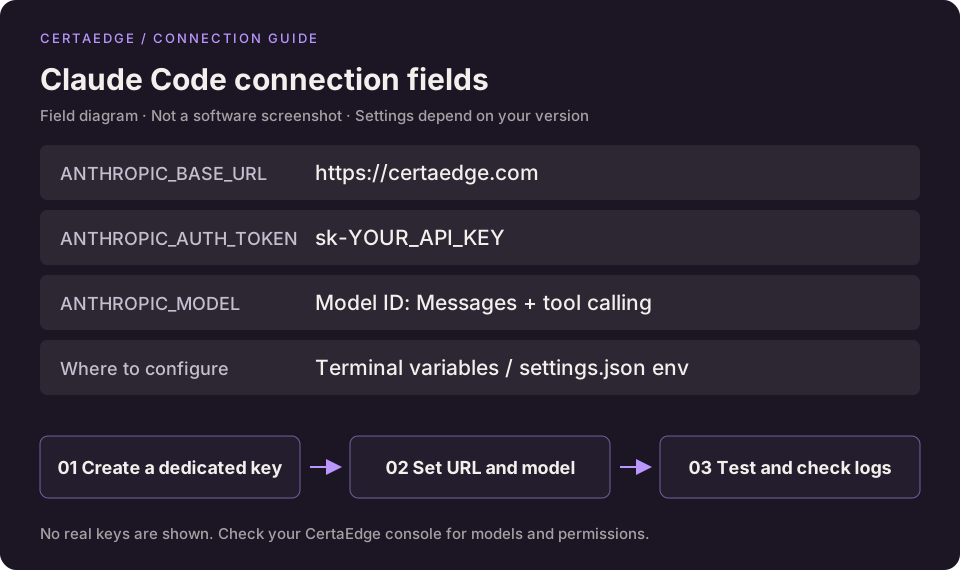
This is a field diagram, not a screenshot of a tested client session.
3. Verify the session
Open a project directory for testing and ask “Explain this project's directory structure. Do not modify any files.” Confirm you receive a response and find the matching request in Usage Logs.
If the main conversation works but background subtasks request an unavailable model, check the ANTHROPIC_DEFAULT_HAIKU_MODEL, ANTHROPIC_DEFAULT_SONNET_MODEL, and ANTHROPIC_DEFAULT_OPUS_MODEL mappings supported by your version. Set each to an available, compatible model ID. Client default model aliases are not necessarily IDs enabled on the platform.
4. Save the settings permanently
After the test succeeds, merge the connection fields into your user-level configuration: ~/.claude/settings.json on macOS/Linux, or %USERPROFILE%\.claude\settings.json on Windows.
{
  "env": {
    "ANTHROPIC_BASE_URL": "https://certaedge.com",
    "ANTHROPIC_AUTH_TOKEN": "sk-YOUR_API_KEY",
    "ANTHROPIC_MODEL": "YOUR_MODEL_ID"
  }
}
If an env object already exists, add or update these three fields inside it rather than creating a second object. Use valid JSON without comments and preserve other settings. Do not commit a configuration containing your real key to a public repository. Start a new session to verify the changes.
Troubleshooting
For 401 errors, check the complete key. For 404 errors, check Messages support and the address. If tool calling fails, check model capabilities. Follow the full troubleshooting sequence. For official guidance, see Claude Code gateway configuration.